Changelog
Follow new updates and improvements to Aura Radar.
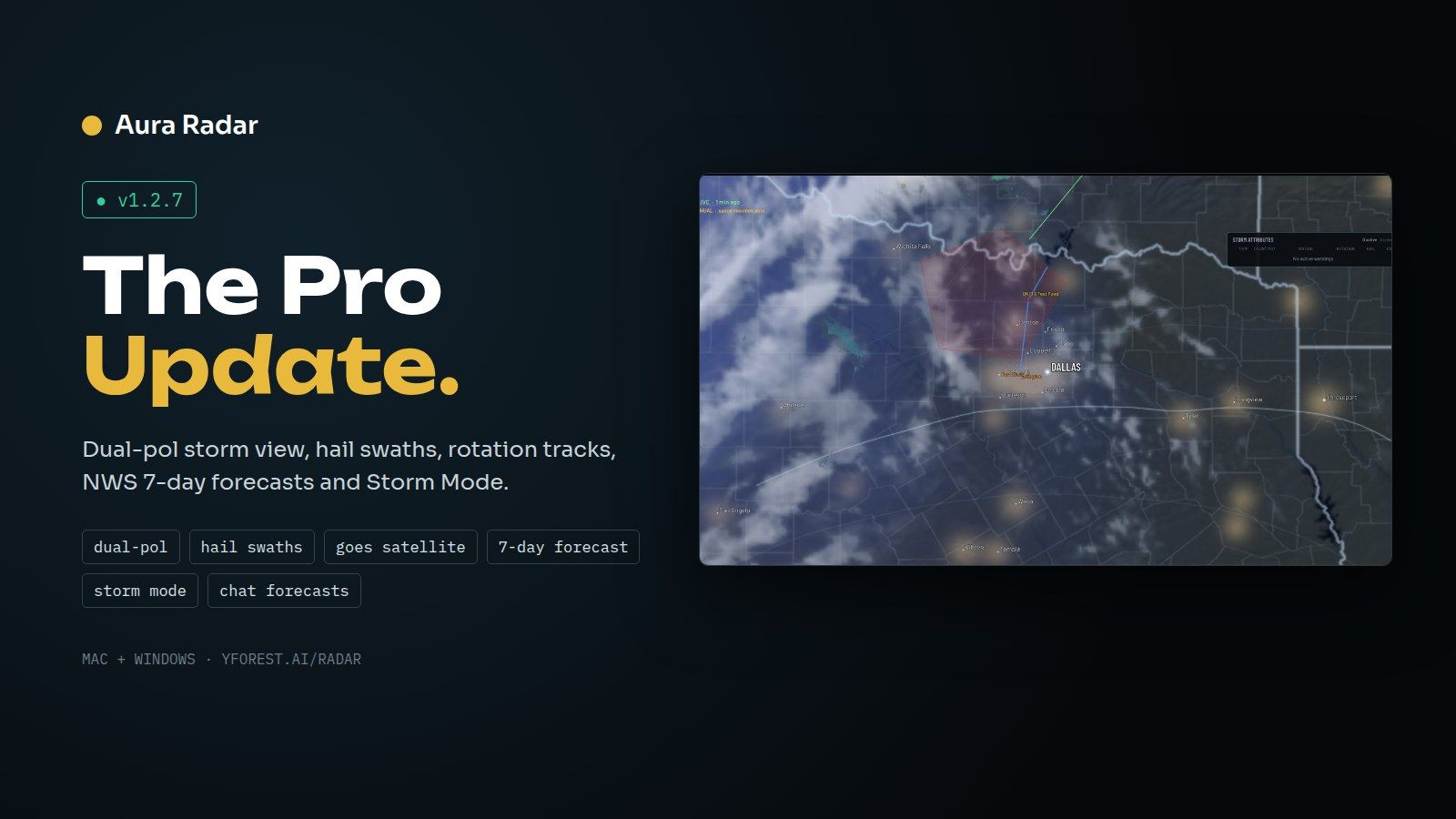
Aura Radar 1.2.7 is the pro release: dual-pol, MRMS swaths, satellite, the official NWS forecast and a hands-off Storm Mode. Grab the installer at yforest.ai/radar; it upgrades over your running copy and keeps your settings and licence.
Pro radar
Dual-pol storm view: reflectivity beside storm-relative velocity on tornado-warned storms.
Possible-debris flag from low CC and near-zero ZDR in rotation, labelled "a signature to check, not a report".
Hail swaths (24 h and 60 min) and rotation tracks (4 h) from MRMS.
Storm reports (tornado, hail, wind) from SPC and local NWS, marked preliminary.
GOES satellite under radar, IR or visible, with 1-minute imagery during storm visits.
Storm story card: a plain-English summary built only from the NWS warning text.
Colour-blind safe palette for radar, velocity and every engine image.
Forecasting
Official NWS 7-day forecast on air for roll-call cities, home and visit markets, and any extra cities.
7-day forecast desk between storms.
Forecast block in the hourly show, plus forecast pages in the ticker.
National forecast maps: highs, lows, rain chance, SPC Day 1–3 outlook and rain totals.
Whole-country future radar run, always labelled as a model.
"When it reaches you" cards with rain and storm arrival times by town and time zone.
Storm tracker: path with 15-minute marks and town arrival times, from NWS warning motion.
Broadcast
Storm Mode (Off, Auto, On): locks onto the worst storms, with a badge and ticker page, and never overwrites saved settings.
YouTube chat forecasts: viewers type a city and get an on-screen forecast, read aloud if voice is on.
Chat corner card airs during ordinary warnings without taking the camera.
Live broadcast-style captions: pop-on pages that never cover cards.
Space weather and aurora segment: Kp, NOAA G/S/R scales, the aurora oval and the best states to see it.
Hourly show: a spoken rundown with feature cards, the camera following each place named.
Daily SPC outlook post draft, for you to review; nothing is posted automatically.
Data-stale alerts to Discord.
Audio mixer: music, rain and voice sliders with ducking, and voice-hours limits.
Install, upgrade and uninstall
Upgrade over a running copy: the app closes itself, updates and relaunches, with settings and licence kept.
Installer detects downgrades and same-version repairs and asks first.
Old leftover copies are cleaned up safely, and nothing installs into a stale folder.
Uninstall keeps your settings by default. You can choose to remove data or release your licence seat.
"Deactivate this computer" in the app frees a seat for another machine.
Mac: licence agreement screen on first launch, Uninstall in Settings > Account, and Start at login.
Windows: Start with Windows on by default for new installs.
Settings are backed up automatically before every upgrade.
Improved
New Settings window with a left rail: Display, Map, Radar, Alerts, Audio, Director, Hourly show, Forecast, Stream, Account, Health, Advanced.
Cleaner map: crisp vector borders, smooth zoom-faded city names, pin your own town, fewer on-screen boxes.
Redesigned storm panel: threat tags, time left, hazards and Up Next.
Radar time stamp in every view; radar over 30 minutes old is flagged OLD RADAR.
Accuracy: towns, times and storm motion come only from the NWS warning; arrival times use true ground distance.
Smoothness: frame hitches removed and draw calls cut from about 32,700 to about 500 in heavy scenes.
Fair airtime: forecasts, floods and tropical alerts take turns, and tornado-tier warnings still take the screen at once.
Reliability: fixed a first-start crash on Windows, the engine recovers from bad downloads, voice survives restarts, and the hourly show never repeats an hour.
The "update available" notice never shows your own version.
Fixed
Magenta flash on new warnings.
Captions dropping their last word.
Card text clipping, labels behind the ticker, and duplicate town labels.
Marine card blanks.
The soundscape fading quieter over time.
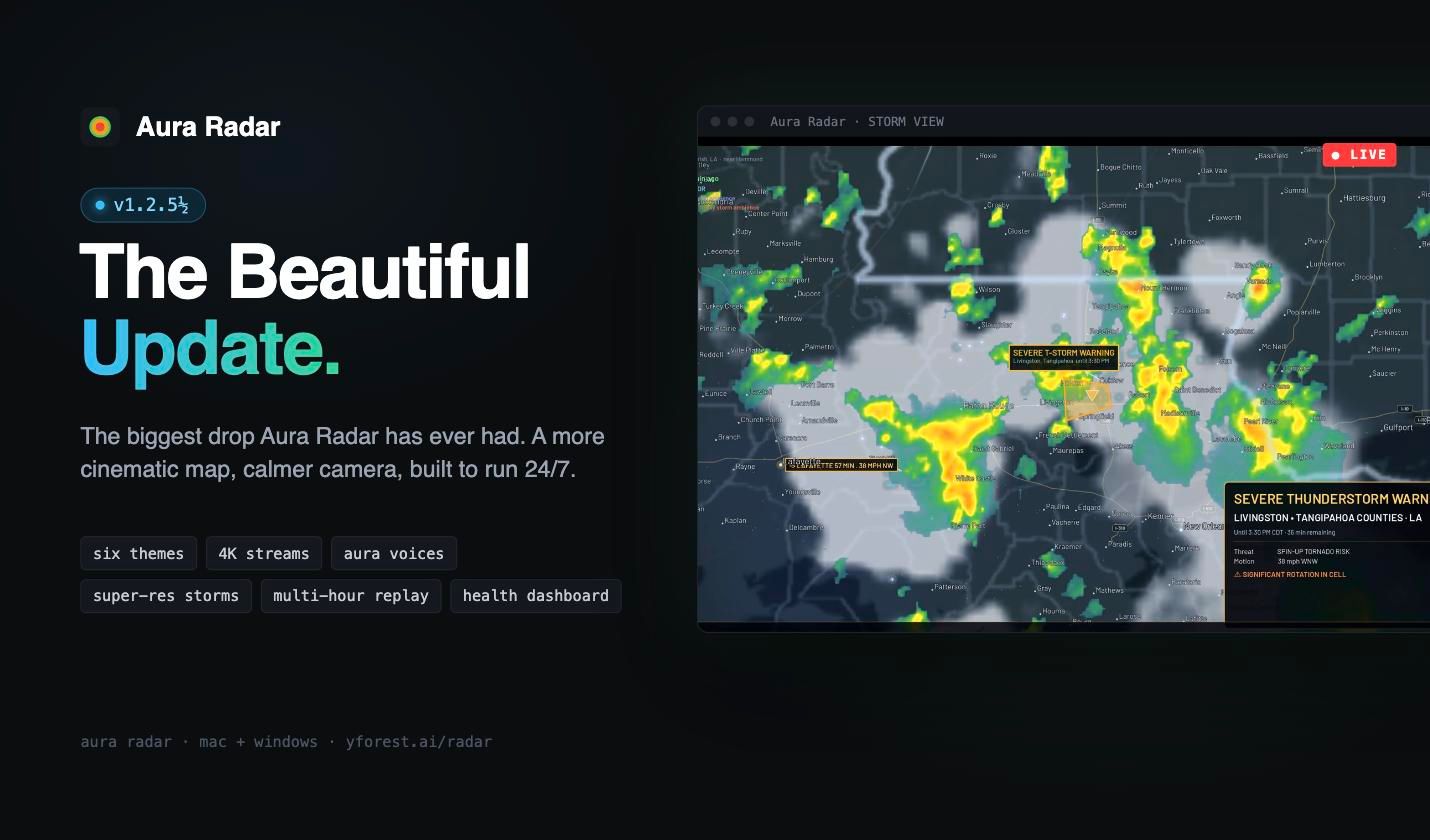
Remember 1.2.5? We weren't done. This half-step is the biggest drop Aura Radar has ever had. We spent the whole release making the map more beautiful, the camera more cinematic, and the app calmer and more reliable to run 24/7. If you already have 1.2.5, grab the fresh installer from yforest.ai/radar to get all of it.
✨ A more beautiful map
Refined terrain and relief. Broad, high-detail hillshade across the lower 48 gives the map real depth without stealing focus from the weather.
Smoother camera motion. Zooms, flights and settles are silkier, with heavy redraws spread across frames so movement never stutters.
Cleaner roads and city labels. Roads, highway shields and city names draw faster and sharper at every zoom level.
Super-res storm detail. Close-up storm views crossfade in higher-detail radar with less clutter and speckle.
Sharper fire perimeters. Wildfire outlines stay crisp at every size, including small new fires.
🎨 Themes, palettes and resolution
Six curated themes. One click restyles the whole map.
New radar palettes: Viewer-friendly and Color-blind safe.
Stream resolution: choose 1080p, 1440p or 4K.
Interface size: Standard, Large or Extra large controls.
🎙️ Aura voices
Two natural AI voices built in: Aura Female and Aura Male. They run fully on your machine, with no cloud and no subscription.
Tap to preview any voice right in Settings.
Hourly AI recap. An optional spoken and on-screen summary of what the weather is doing, with real place names.
Voice is always optional. It's off by default, and turning it off means silence, never a robotic fallback.
🌪️ Smarter storm coverage
Active warnings list. An optional left-side panel of live warnings, with countdown bars that stay stable and flicker-free.
SPC Mesoscale Discussions drawn on the map, plus a Day 1 outlook broadcast card.
Quiet-time patrol. When things are calm, the director keeps touring interesting weather, so the camera never sits idle.
Your City rotation. Keep your home market front and center between storms.
Tropical upgrades. Hurricane forecast points and intensity category glyphs.
Duplicate warning cleanup. Unlinked duplicate NWS warnings are merged, and colliding map tags are nudged apart.
Flood-specific storm cards. Flood and Flash Flood Warnings show hydro stats instead of wind and hail.
⚡ Faster data
Faster radar feed. A dedicated fast path pulls new radar frames sooner.
Multi-hour replay. Scrub back through recent radar history right on the timeline.
Snappier METAR and placefile updates, with processing moved off the render thread.
🖥️ New Control Center and Settings
Redesigned Control Center and Inspector. A clean Apple-style layout with frosted panels, icon tiles and popup value pickers.
Health dashboard. A new Settings tab shows engine status, data freshness, disk, memory and radar latency at a glance.
In-app update notice. A small pill tells you when a new version is available.
4-panel view is never forced on. The app always opens in single view, and turning 4-panel off stays off.
📺 Broadcast overlay
Redesigned overlay (v6). A unified bottom band with no cluttered top bar.
New Aura Radar ad card with a built-in QR code.
Optional sponsor slots for your own partners.
More resilient alerts feed. It keeps the last good alerts on network hiccups, and fetch timeouts and backoff are built in.
🛡️ Built to run 24/7
Smart renderer recycle. A fresh restart happens only during quiet moments, never mid-storm.
Self-check and auto-repair. The app verifies its own install on startup and tells you if anything needs fixing.
Clean upgrades on Windows. The installer now removes old engine files before installing, so leftovers from past versions can't break radar or voices.
Crash-safe settings with atomic saves and a rotating backup.
Log rotation and disk hygiene, so long runs never fill your drive.
Dozens of stability and performance fixes across the map, director, overlay and data engine.
📄 Licensing
Available now for macOS and Windows at yforest.ai/radar. Thank you for streaming with Aura Radar. 🌩️
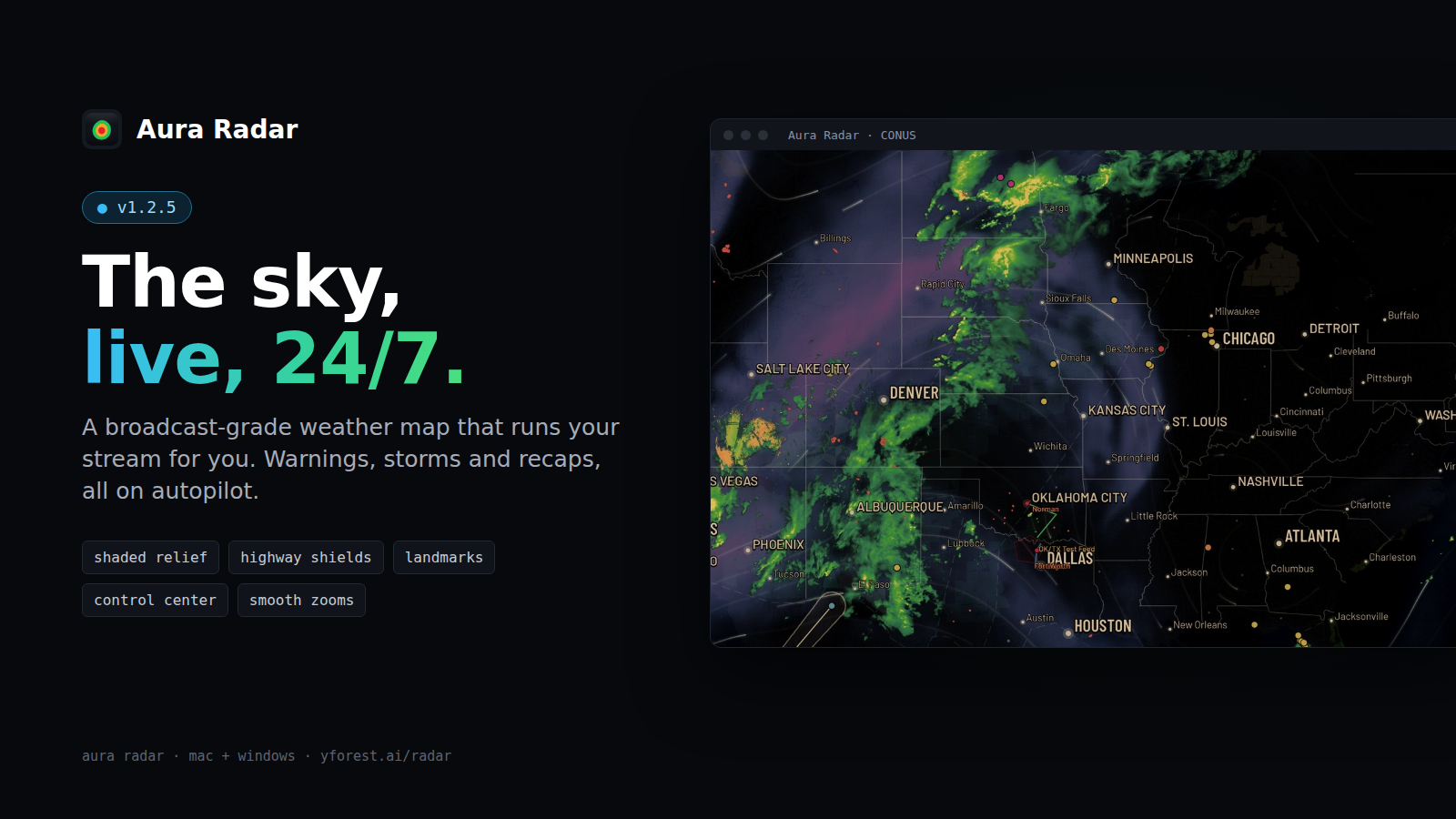
Aura Radar 1.2.5 is our biggest visual leap yet.
New look
Dark shaded-relief terrain with richer, separated radar colors
Real interstate and US highway shields, landmarks and denser town labels as you zoom
Brand-new Control Center toolbar and inspector panels, with Large and XL text sizes
Smoother
Buttery zooms and transitions — heavy layers freeze mid-flight and fade back in
Big data files now load off the main thread, no more stalls
Smarter broadcast
Available now for Mac and Windows at yforest.ai/radar.